Design
Mobile-First Design for Kenyan Customers
8 min read
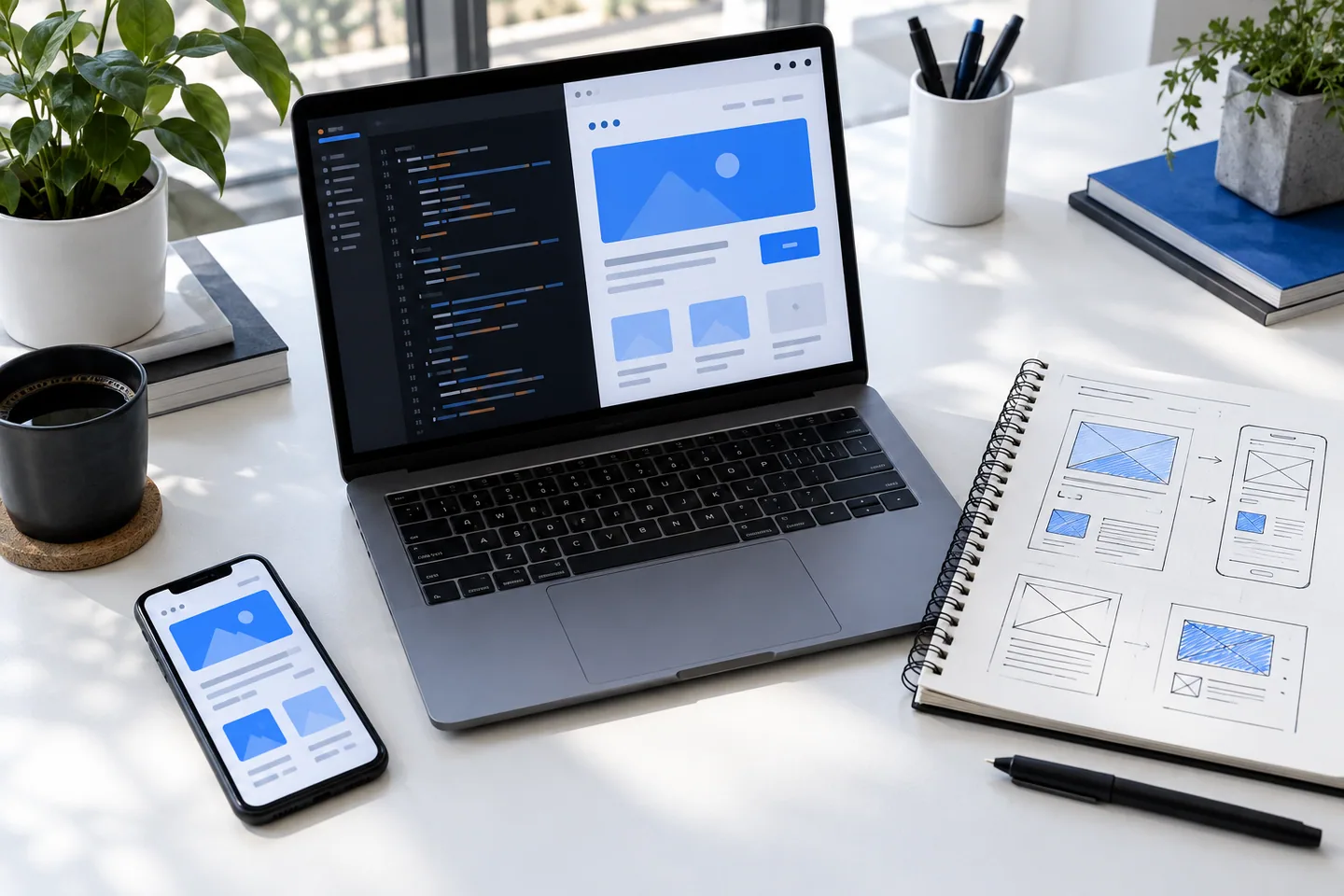
Mobile-first is not simply stacking desktop columns. It means designing the complete task for smaller screens, variable networks, mobile money, one-handed use, and the support expectations of real customers.
Design the task before the layout
Identify the main action and put the information needed to make that decision nearby. Use clear headings, visible prices, short paragraphs, and buttons with enough touch area. Do not hide essential actions behind hover or a decorative carousel.
Test on affordable Android devices as well as premium phones. Browser height, font rendering, keyboard behavior, memory, and image decoding can expose issues that desktop emulation misses.
- Keep tap targets comfortably separated
- Use sticky actions only when they do not cover content
- Support text zoom and long translated labels
- Make phone and WhatsApp links explicit
Treat connectivity as a product state
Compress media, lazy-load non-critical content, and render useful text quickly. Show progress for slow actions and preserve entered data if a request fails. Avoid downloading large video merely to decorate the first screen.
Where possible, make status pages and receipts revisitable. A network interruption after payment or form submission should not force the customer to guess and repeat the action.
- Test with throttling and packet loss
- Reserve image dimensions to avoid jumping layouts
- Use readable system fallbacks for fonts
- Provide retry and alternative contact paths
Build trust around local workflows
Show the business identity, location or service area, delivery expectations, support contacts, and total cost before commitment. For M-Pesa, confirm the number, amount, reference, pending state, and successful result in plain language.
Ask only for data needed to complete or support the transaction. Explain unusual requests and use familiar formats for Kenyan phone numbers, currency, and locations.