Web Development
The Website Launch Checklist I Use for Kenyan Businesses
8 min read
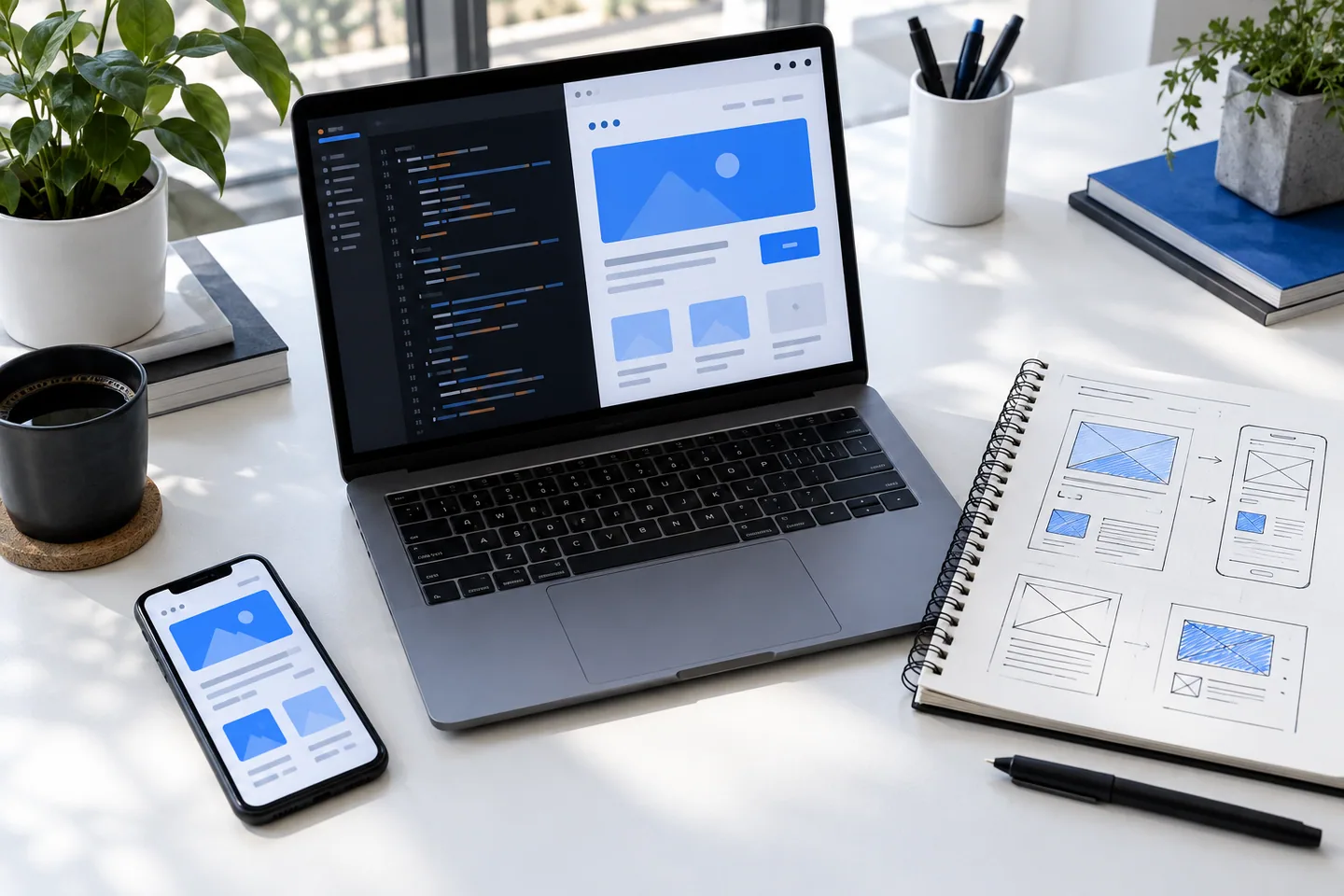
A launch is not the moment the homepage becomes visible. It is the point where the entire customer journey—from the first search result to a successful enquiry or payment—has been checked on the devices and networks people actually use.
Start with the business journey
Before checking pixels, write down the one or two actions the site exists to create. That may be a WhatsApp conversation, a quotation request, a booking, or a completed M-Pesa payment. Walk through each action from a fresh browser and a phone that is not signed into your accounts.
Confirm that the business name, phone number, location, opening hours, prices, and response-time promise agree everywhere. Small contradictions create more doubt than an imperfect animation ever will.
- Test every call, email, map, WhatsApp, and social link
- Submit each form and inspect the email that arrives
- Check success, error, empty, and slow-loading states
- Give one person ownership of every incoming enquiry
Test the Kenyan mobile reality
Most reviews happen on fast office Wi-Fi and a large screen. Customers may arrive on an entry-level Android phone, one-handed, with limited data and an interrupted connection. Test at narrow widths, throttle the network, and make the primary action obvious without relying on hover.
If payments are involved, show the phone number being charged, the amount, and what happens after the prompt is accepted or dismissed. A pending payment needs a calm explanation and a recovery path—not an endless spinner.
- Keep key pages useful before large images finish loading
- Use the correct mobile keyboard for phone, email, and number fields
- Compress images and reserve their dimensions to prevent layout shift
- Never make WhatsApp the only support path
Finish the invisible work
Search and sharing details are part of the product. Add unique titles and descriptions, a canonical URL, a useful social image, a sitemap, and robots rules. Configure analytics around meaningful events such as a sent brief, not just page views.
Finally, record where the domain, hosting, form account, analytics property, and source code live. A website is maintainable only when the owner can find the keys and another developer can understand the release process.
- Run type, lint, and production-build checks
- Verify the custom 404 and favicon
- Keep a recoverable copy of the last working deployment
- Schedule a monthly link, form, and dependency check